
Error 3518 indicates an issue with SAS Online setup in APIBridge.
To trade with SAS Online using the APIBridge desktop application, follow the steps given below.
STEP 1: Change to Default Mode.
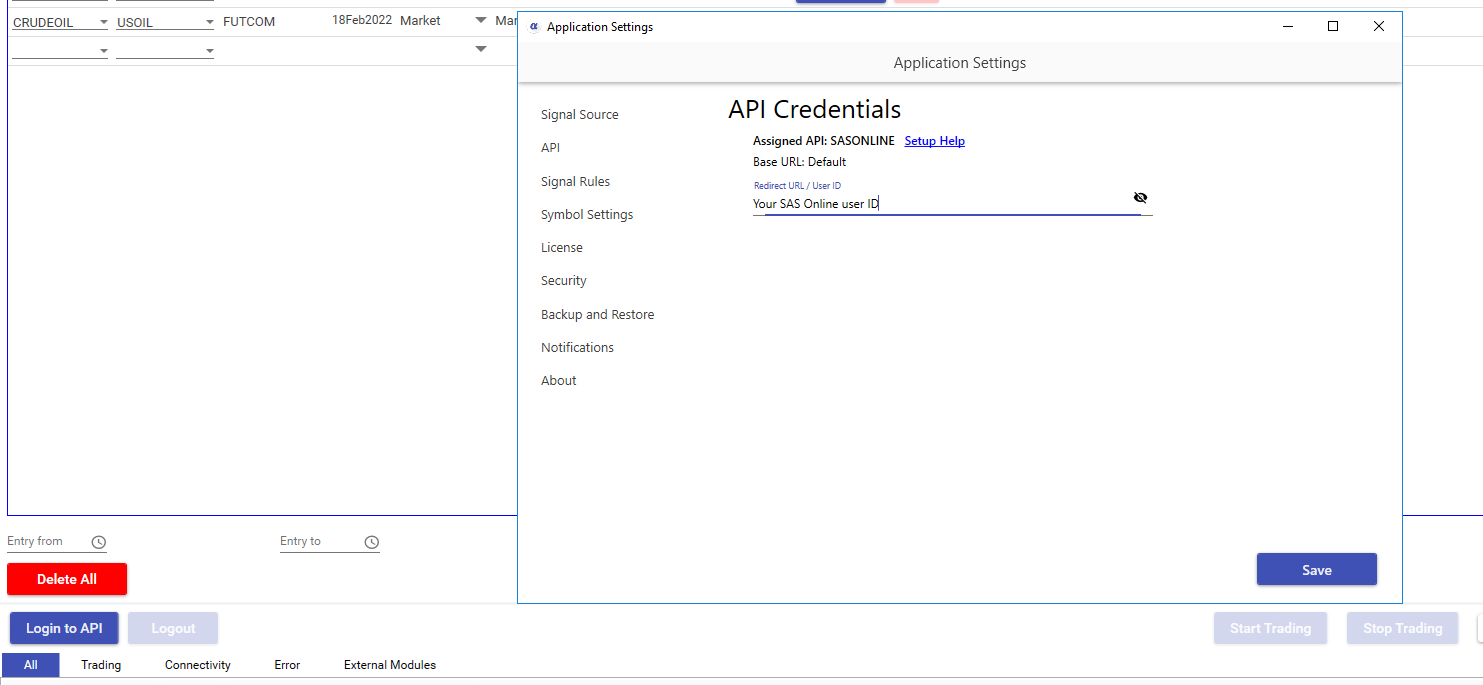
STEP 2: Go to APIBridge Settings -> API Settings
In the User ID field put SAS Online user ID
Click Save and exit from settings.
STEP 3: Keep mode Default and Login to API. APIBridge will show the message – Login Successful to API.
SAS Online API Features
| Feature | Details |
| Cost | Free |
| Auto Order Cancellation | YES |
| MaxProfit/MaxLoss | NO |
| SLL, SLM Orders | YES |
| CO | NO |
| BO | NO |
| Trail SL in BO | NO |
| MCX Futures | YES |
| NSE Currency | YES |
| NSE Weekly Options | YES |
Recent Discussion